.png)
Can I add the TikTok feed to a different page instead of the homepage?
This guide outlines how to add your TikTok feed to a different page other than the homepage, on Shopify 2.0 themes and legacy themes.
Shopify 2.0 Themes
If you are using a Shopify 2.0 Theme, you can add Mintt - TikTok Feed as a section anywhere on your store. Simply follow these steps:
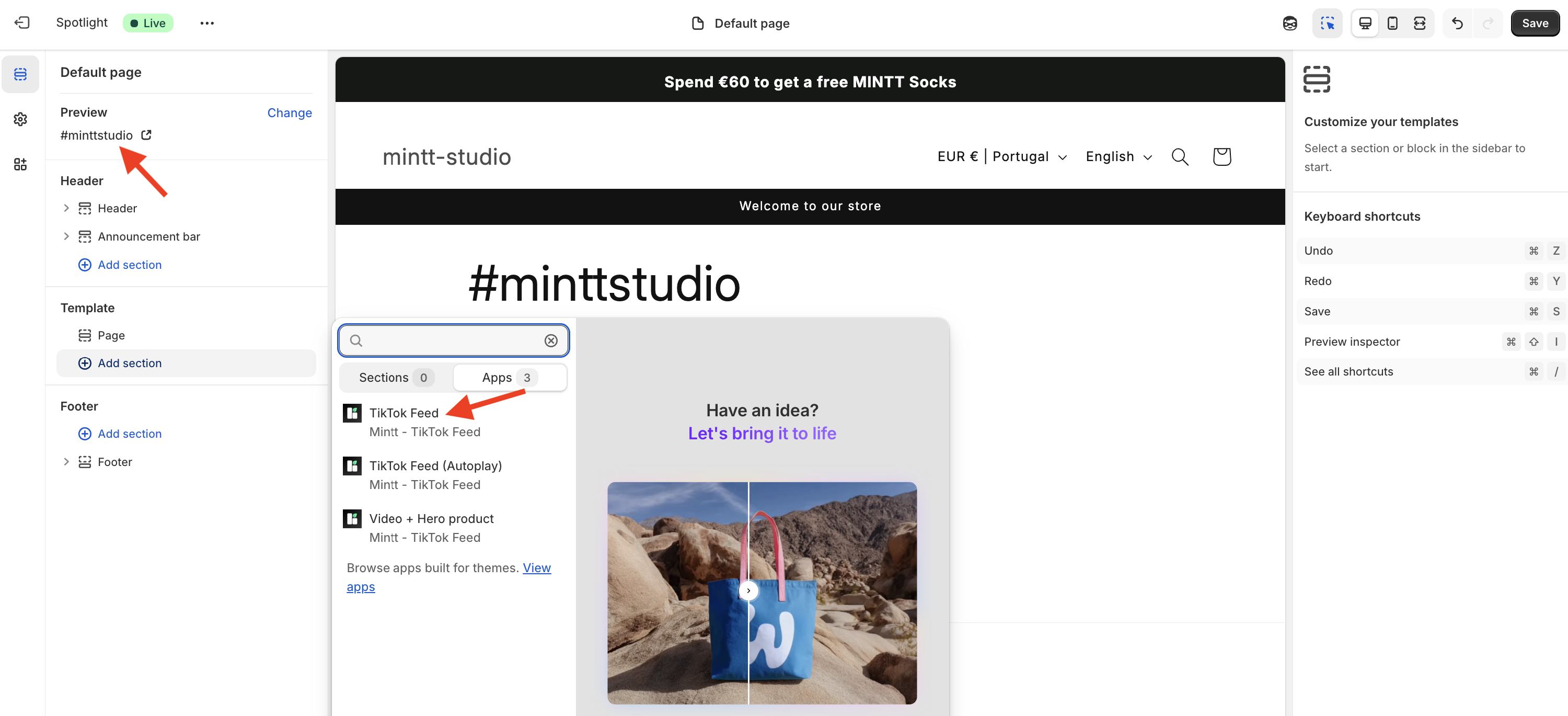
- Go to Shopify > Online Store > Themes > Customise.
- Select the page where you want to add your feed.
- On that page, go to Add section > Apps and select TikTok Feed.
- Press Save.
Legacy Themes
If you are using a legacy theme, follow the instructions below:
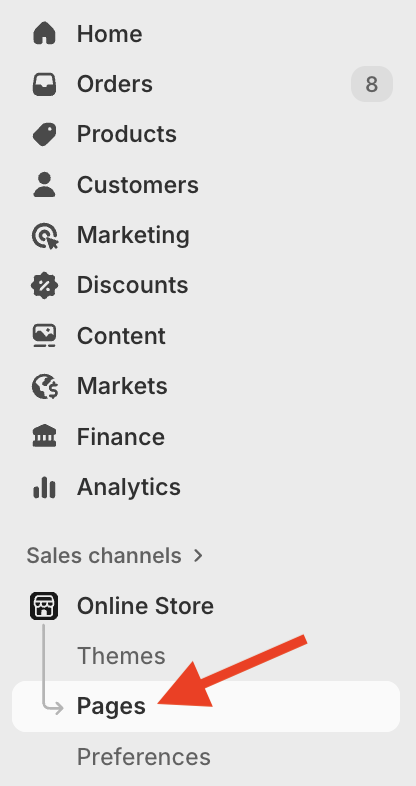
- Go to the Shopify page where you want to add your feed (Shopify > Online Store > Pages).

- Click on the code button [<>] and paste the following code:
<div id="mintty-tiktok-feed"></div>
- Click Save.
