Video autoplay is available on all plans.
Go to Apps > Instafeed. Under Feed design, open Video autoplay and choose how videos play:
- No keeps videos still until a shopper opens the post.
- All at once plays and loops all videos in view together.
- One at a time plays one video, then the next.
- On hover/touch plays a video when a shopper hovers on desktop or touches it on mobile, and pauses when they move away.
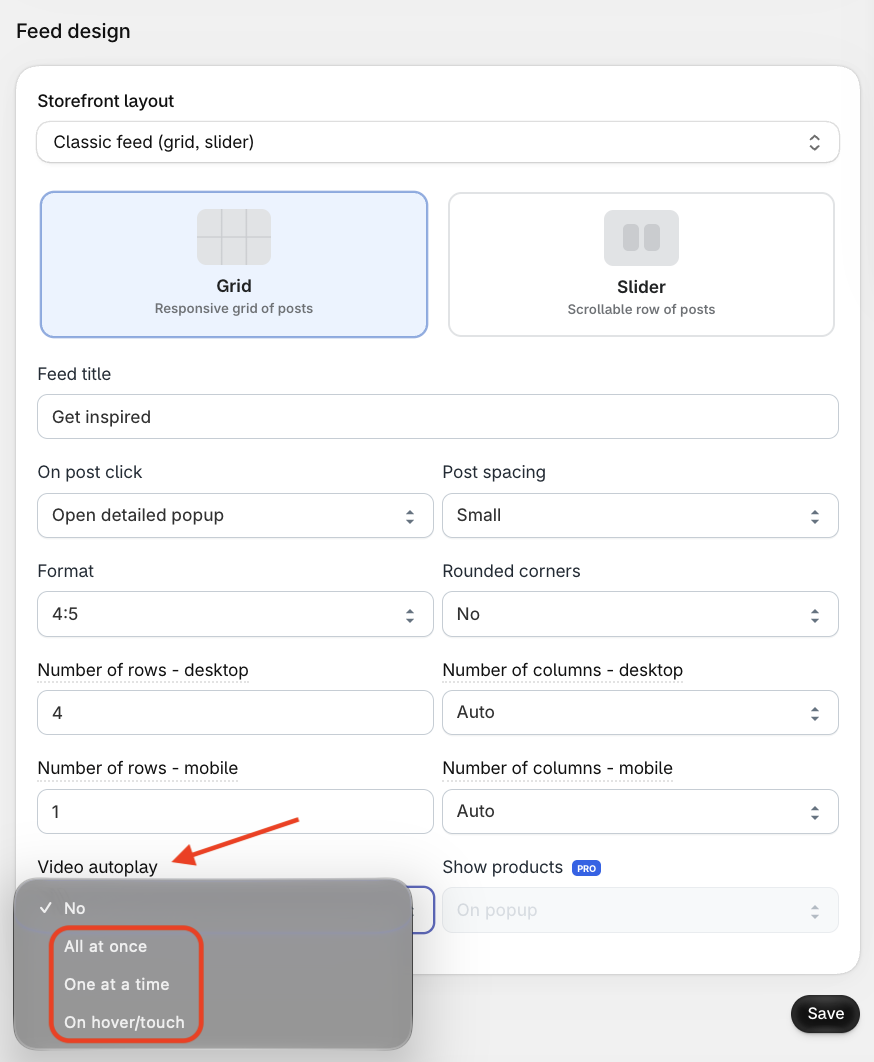
The Video autoplay setting is available when the Storefront layout is Classic feed (grid, slider).