This guide explains how to connect a different Instagram account to the Mintt Instafeed app. Follow the steps below:
A. If you haven't connected an Instagram account to Mintt Instafeed
B. If you've already connected an Instagram account to Mintt Instafeed
A. If you haven't connected an Instagram account to Mintt Instafeed
Step 1 - Log in to the desired Instagram account on instagram.com
- Go to www.instagram.com on your desktop browser.
- Select More > Switch Accounts from the left panel.
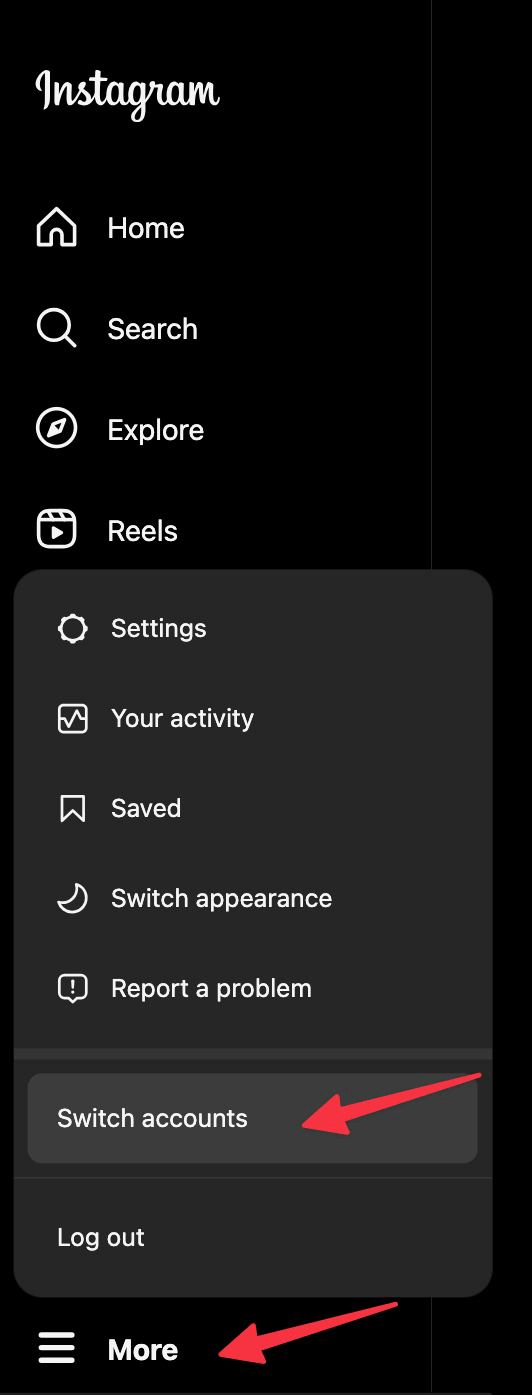
- If you were previously logged in to the account, select it from the list of accounts.
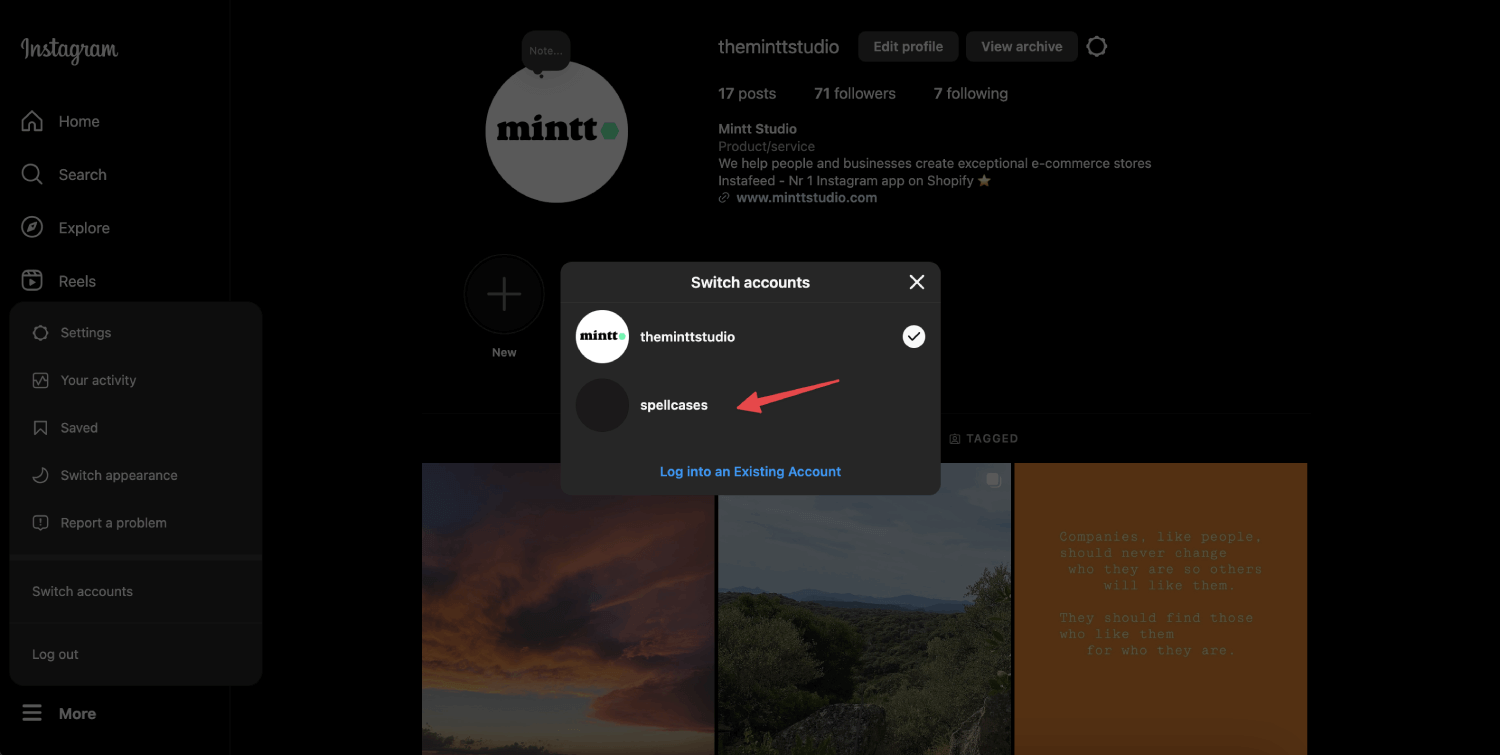
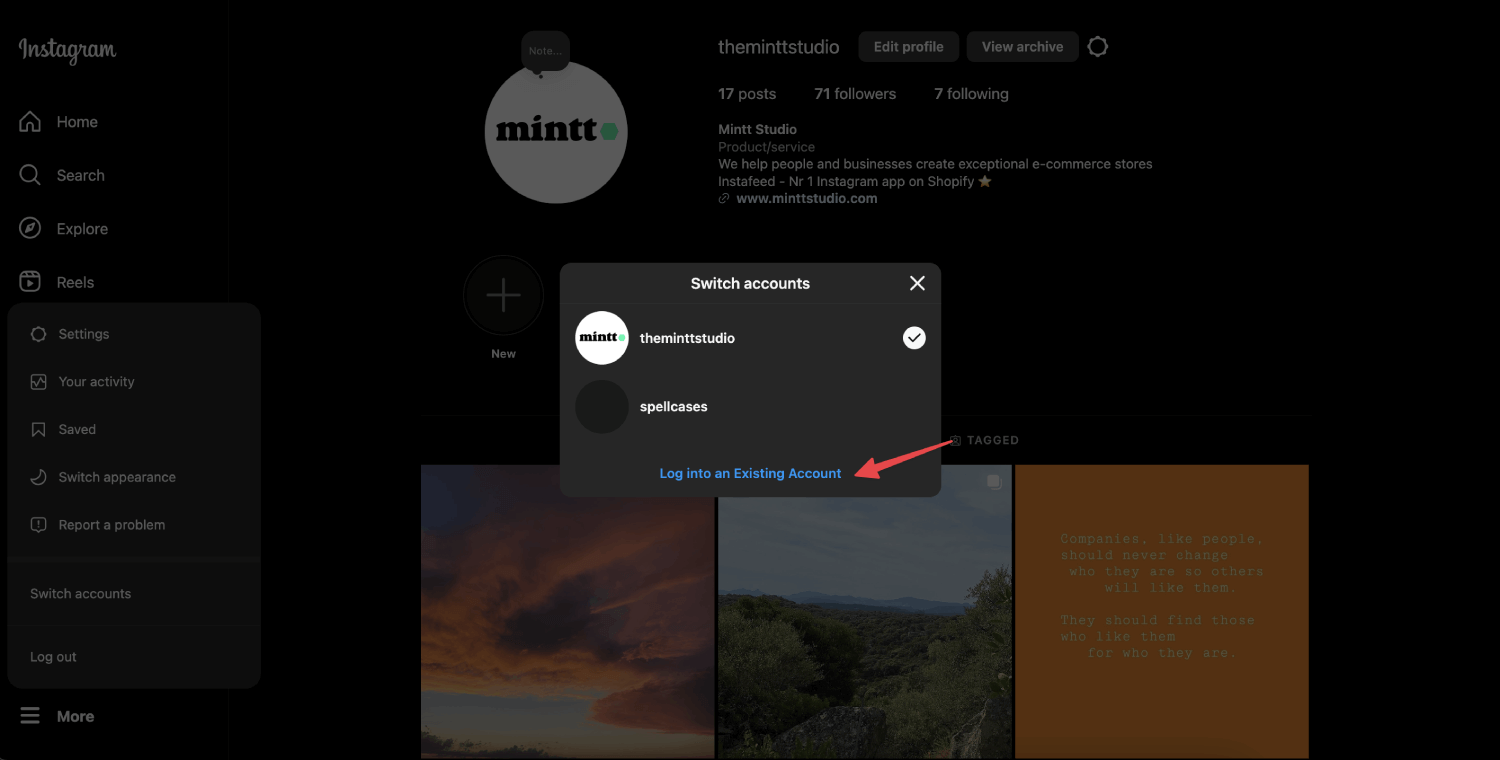
- If you weren't previously logged in to the account, select the option Log into an Existing Account.
- Enter your account credentials (username and password), and click Log In.
💡 Tip: This is not your personal or shared username, you need to log in using the username (account name) of the account that you want to show.
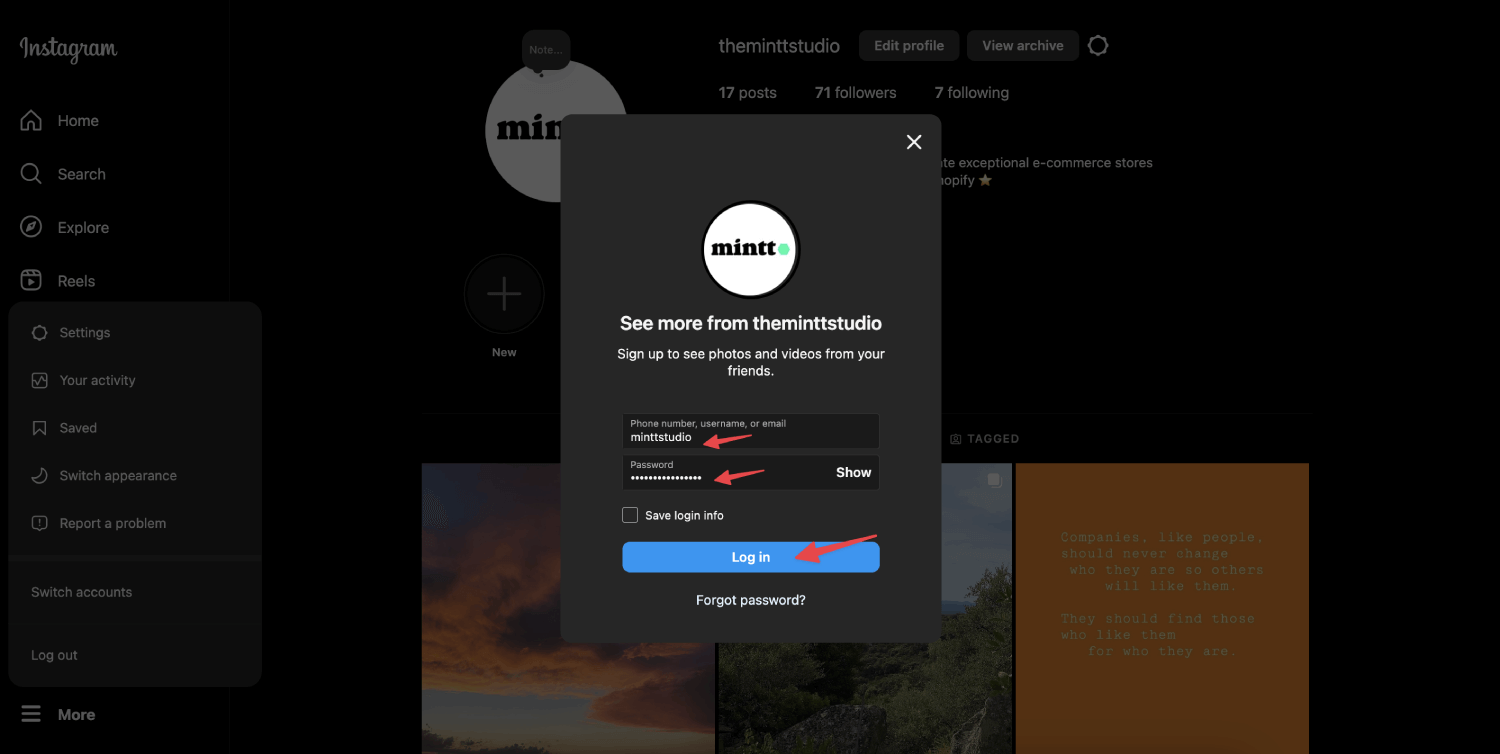
If you don't have the password for that username use the recover password option.
Step 2 - Connect your Instagram account on the Mintt Instafeed app
- Go to Shopify > Apps > Instafeed.
- Click Connect with Instagram and grant the required permissions.
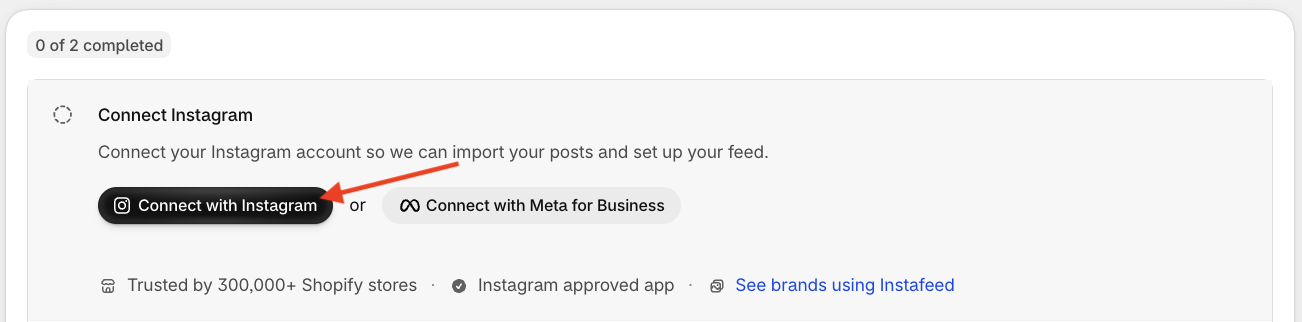
Watch a step-by-step video tutorial.
B. If you've connected an Instagram account to Mintt Instafeed
Step 1 - Click 'Change account' on the Mintt Instafeed app
- In your Shopify admin, go to Apps > Instafeed.
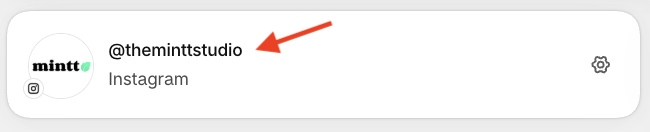
- Next to your Instagram username, click the gear icon.
- Click 'Change account'.
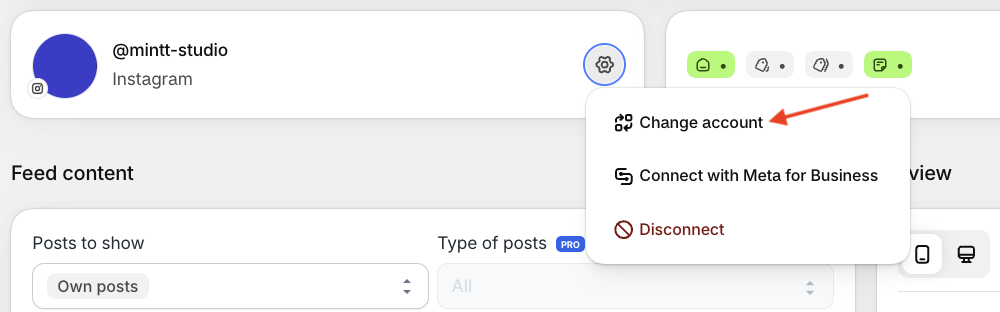
Step 2 - Log in on instagram.com
- On Instagram's login page, enter your account credentials (username and password), then click Log In.
💡 Tip: This is not your personal or shared username, you need to log in using the username (account name) of the account that you want to show.
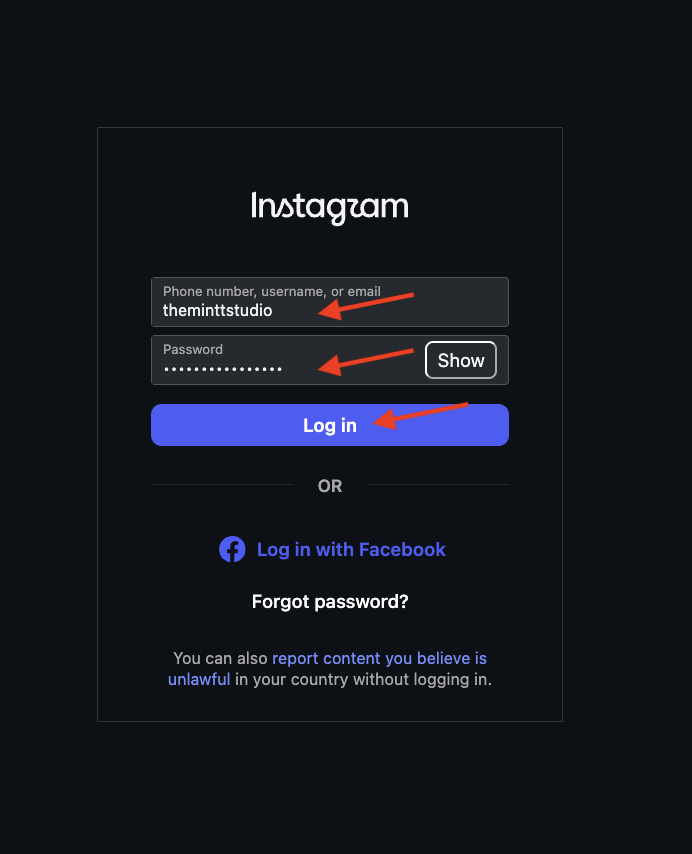
If you don't have the password for that username use the recover password option.
- When prompted, click Allow to give Instagram permission to connect.
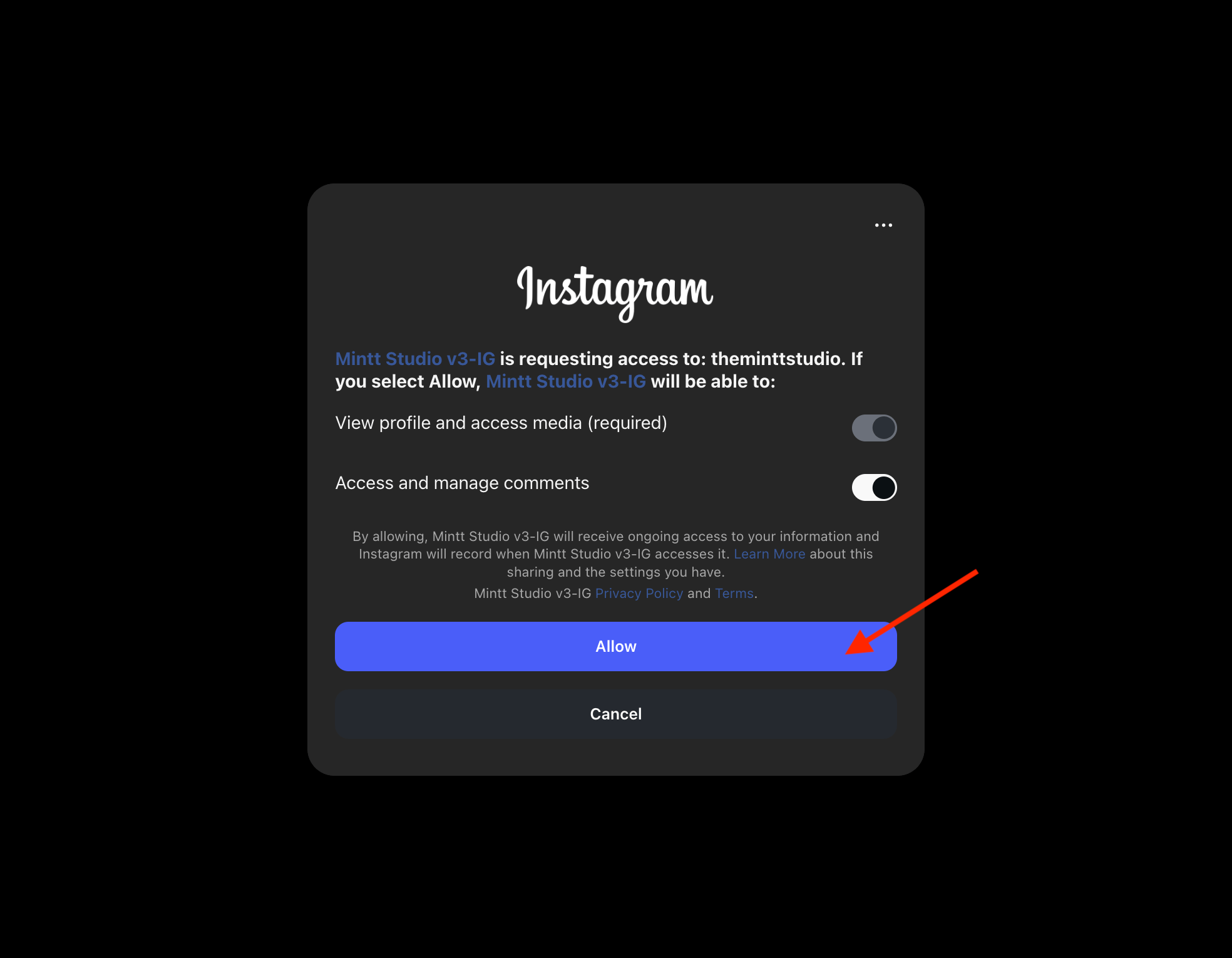
- Your new Instagram account is connected and will appear in the Mintt Instafeed app.